| Need help? Understand when a building permit applies to your building or renovation project. | Read the FAQ |
|
||||
Before You Start
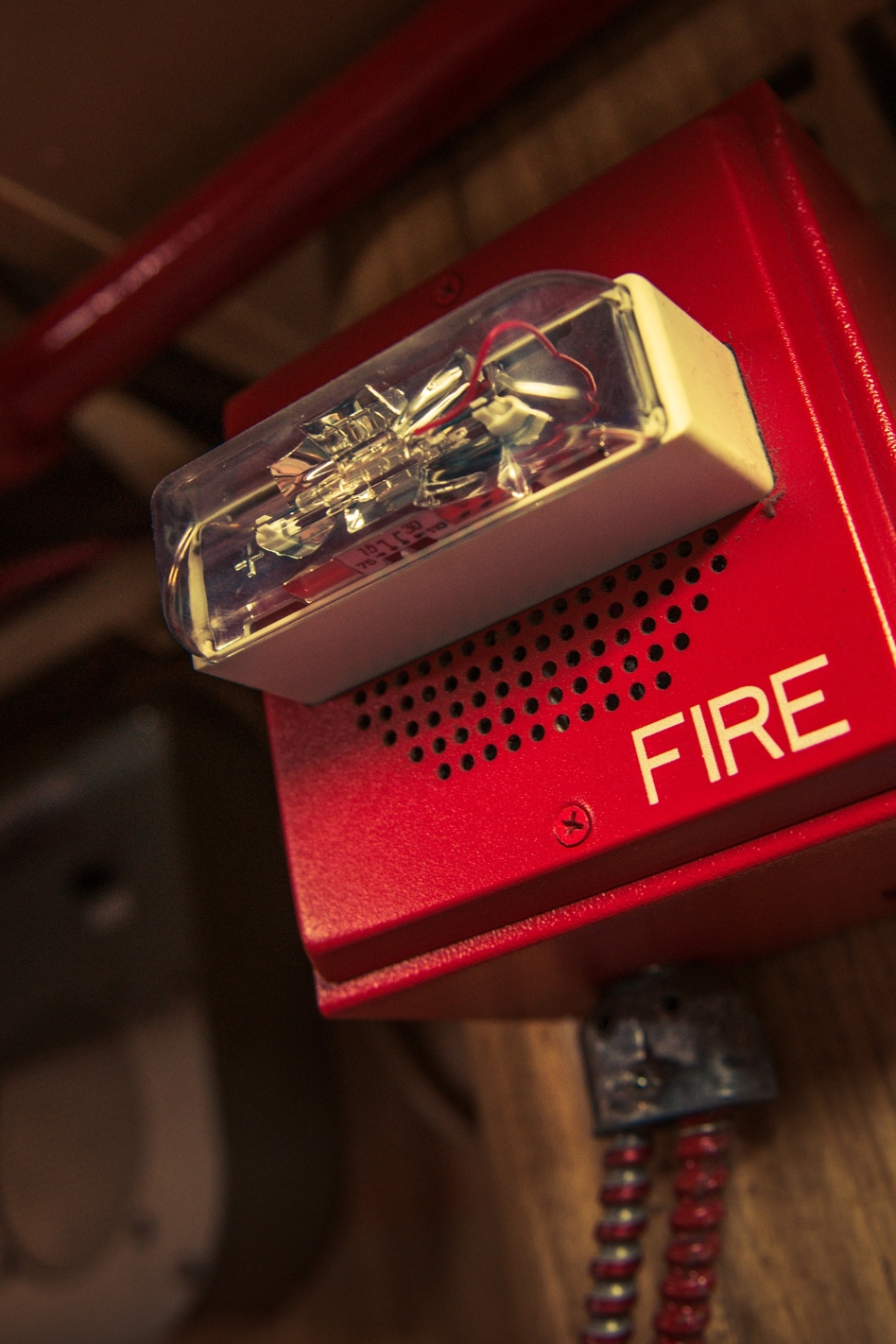
Review the Fire Alarm Building Permit Application Checklist before submitting your application.
You must have a MyCity profile to apply online. If you don't have one yet, you can create one here.
Once you start the application you will have 30 days to submit it. Your application will be saved to your MyCity profile until it has been submitted and paid for. You can access it by logging into MyCity, then clicking on the In Progress Applications button at the top of the Registered Accounts page.
Application fees must be paid by Visa or Mastercard. A non-refundable 2.75% credit card convenience fee will apply.
Need More Help?
If you require assistance, you may consult the Building Permits FAQs or contact the Building Section at 250-828-3554 or building@kamloops.ca.